ProtonVPN and NordVPN update Windows clients with new routing controls
The changes allow users to direct specific applications around the encrypted tunnel to improve speed or maintain local network access.
By Bianca Shevchenko ·
ProtonVPN and NordVPN have enabled app-level traffic routing in their Windows applications. This update allows users to designate specific software as excluded from the encrypted VPN connection. Traffic from those selected programs connects to the internet directly, while all other data continues through the secure tunnel.
Split tunneling addresses a common trade-off in using virtual private networks. While VPNs hide browsing activity from internet providers and track local users, the encryption process can reduce connection speeds. By bypassing the VPN for certain apps, users can retain faster performance for time-sensitive tasks. They also avoid location masking issues that affect local services.
The feature serves several practical purposes. Gamers often exclude their games to minimize latency. Individuals checking local movie showtimes or weather reports can keep those apps off the VPN so the service reflects their actual physical location. Users also benefit when accessing smart home gadgets or printers on a local network, as these devices often require direct connections rather than routed traffic.
The technical mechanism works by sending selected data around the encrypted bridge that connects the device to the web. This prevents the need to manually switch the VPN on and off for every task. Most consumer VPN services now include some form of this tool, typically on paid plans. Implementation varies between app-based rules, which target specific programs, and URL-based rules, which target specific domains.
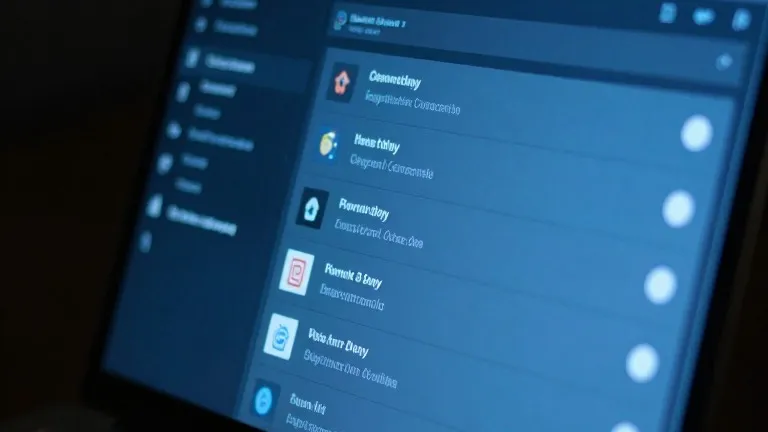
Activating the setting in ProtonVPN for Windows involves locating a link on the right side of the main console. Users can then choose to include specific apps in the VPN or exclude them. In the NordVPN interface, the option is found by clicking the cog icon in the bottom left corner. After selecting the split tunneling menu, users flip a toggle to begin adding or removing applications from the protection list.
Mobile devices offer similar controls, though with different limitations. Android and desktop platforms generally allow for app-level selection. iPhones typically restrict users to excluding specific websites and IP addresses rather than entire applications. The setup process is generally a one-time task for most users.
Once configured, the settings remain active without requiring ongoing manual adjustment. Users can revisit the preferences to change which apps are covered, but the system handles the routing automatically. This keeps protection in place for sensitive activities while keeping it out of the way for others.
Source: Wired